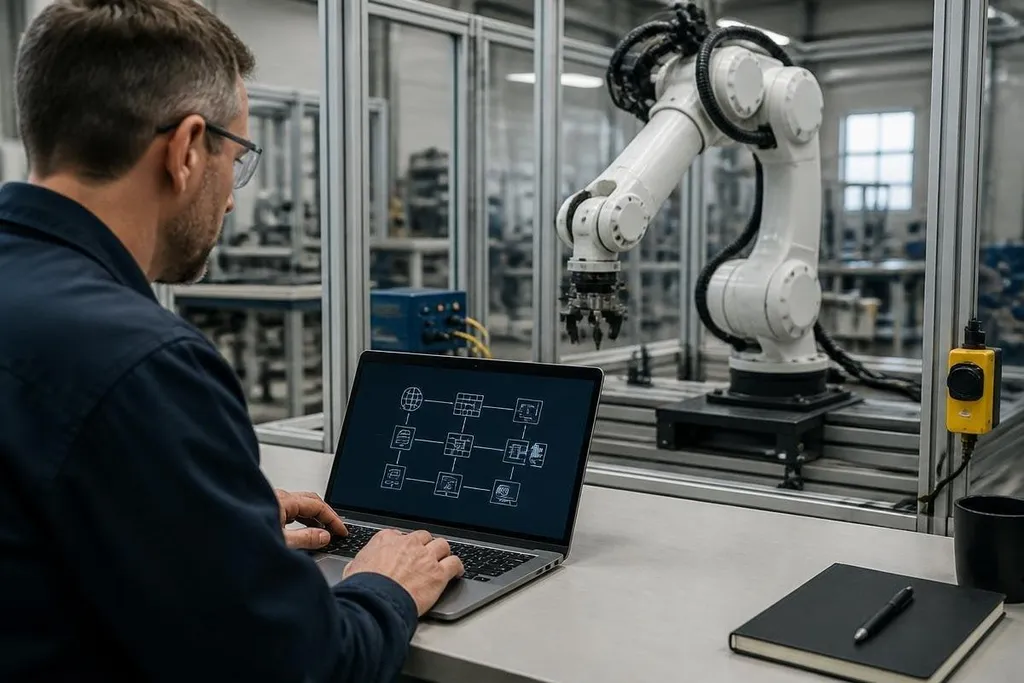
A connected robot can expose more than its control software. It may also open a route into cameras, production systems, safety settings, and stored data. The safest plan starts before installation, with a clear list of every connection the robot needs.
- Put robot controls on a separate network from office devices.
- Give each person their own account and use two-factor authentication.
- Keep a tested copy of robot programs, settings, and recovery files.
Start with the network
A robot should reach only the systems needed for its task. Put its controller, teach pendant, cameras, and sensors on a separate network segment, then limit traffic between that segment and the rest of the site.
This setup reduces the damage from a stolen password or infected laptop. A technician may still reach the robot through an approved maintenance path, while the robot has no open route to payroll, email, or file storage.
Check the controller’s open ports before it goes into production. Close unused services, including SSH on port 22 when the robot doesn’t need remote shell access, and block direct internet access unless the maker requires it for a named function.
Remote support needs its own rules. Use a company-managed virtual private network, require approval before a session starts, and record who connected, when they connected, and what they changed. A shared remote-support password gives you none of that control.
Lock down accounts and software
Create one account per person. An operator may need to start jobs and clear routine faults, while a controls engineer may need to change motion limits or load new code. Those are different jobs, so they need different permissions.
Turn on two-factor authentication for cloud dashboards, fleet software, and remote access. A password protects one door; a second factor adds another check when that password leaks.
Updates need a test path. Copy the robot program and settings before a firmware change, then try the update on a spare controller or planned maintenance unit.
Confirm motion limits, tool settings, and safety signals before production resumes. This check catches changes that could affect the robot’s work after an update.
Use signed software packages when the maker supports them. A digital signature helps confirm that an update came from the expected source and was not changed after release. It doesn’t prove that the update has no bugs, so keep the rollback copy.
A stolen admin password can change a robot’s settings and stop a production cell. That risk ties robot access and factory networks to the same security plan. Robot cybersecurity reporting can put those risks beside named machines and reported incidents before the next section checks the programs, sensors, and data they depend on.
Protect programs, sensors, and data
Robot programs deserve the same care as other production files. Store approved versions in a protected location, keep a change record, and limit write access to people who need it. A damaged motion file can stop a cell even when the robot’s hardware is fine.
Back up more than the main program. Include controller settings, calibration data, tool frames, network details, vision recipes, and safety configuration. Keep one copy offline or on a system the robot cannot rewrite.
Cameras and microphones can collect data outside the robot’s task. Set a clear retention period, restrict who can view recordings, and disable sensors that the job does not need. This reduces both privacy risk and the amount of data an attacker could take.
Watch for changes that match the robot’s job. A new user, an unexpected remote login, a program change outside maintenance hours, or repeated failed logins deserves a check. Keep logs long enough to compare an event with the work schedule and maintenance record.
A practical security check
Use this list before connecting a robot to a factory network:
- Map connections: Write down every controller, sensor, cloud service, laptop, and maintenance link.
- Separate traffic: Place robot controls on their own network segment and limit routes between segments.
- Review access: Remove shared accounts, delete former staff accounts, and set the lowest permission each job needs.
- Test recovery: Restore a program and controller setting from backup on a planned maintenance day.
- Check changes: Review login records, software versions, program edits, and remote sessions at a set interval.
- Plan isolation: Decide who can disconnect the robot from the network without affecting physical safety controls.
Before the robot goes live
Security cannot fix a badly designed safety system. Keep the emergency stop and other protective controls independent of ordinary network commands.
Ask the robot maker which services must remain open and which can be shut down. I'd treat every remote connection as temporary access, not a permanent feature. If the team can't name who needs that connection, what it reaches, and how it gets closed, the robot isn't ready for the production network.